 Xbox
Xbox
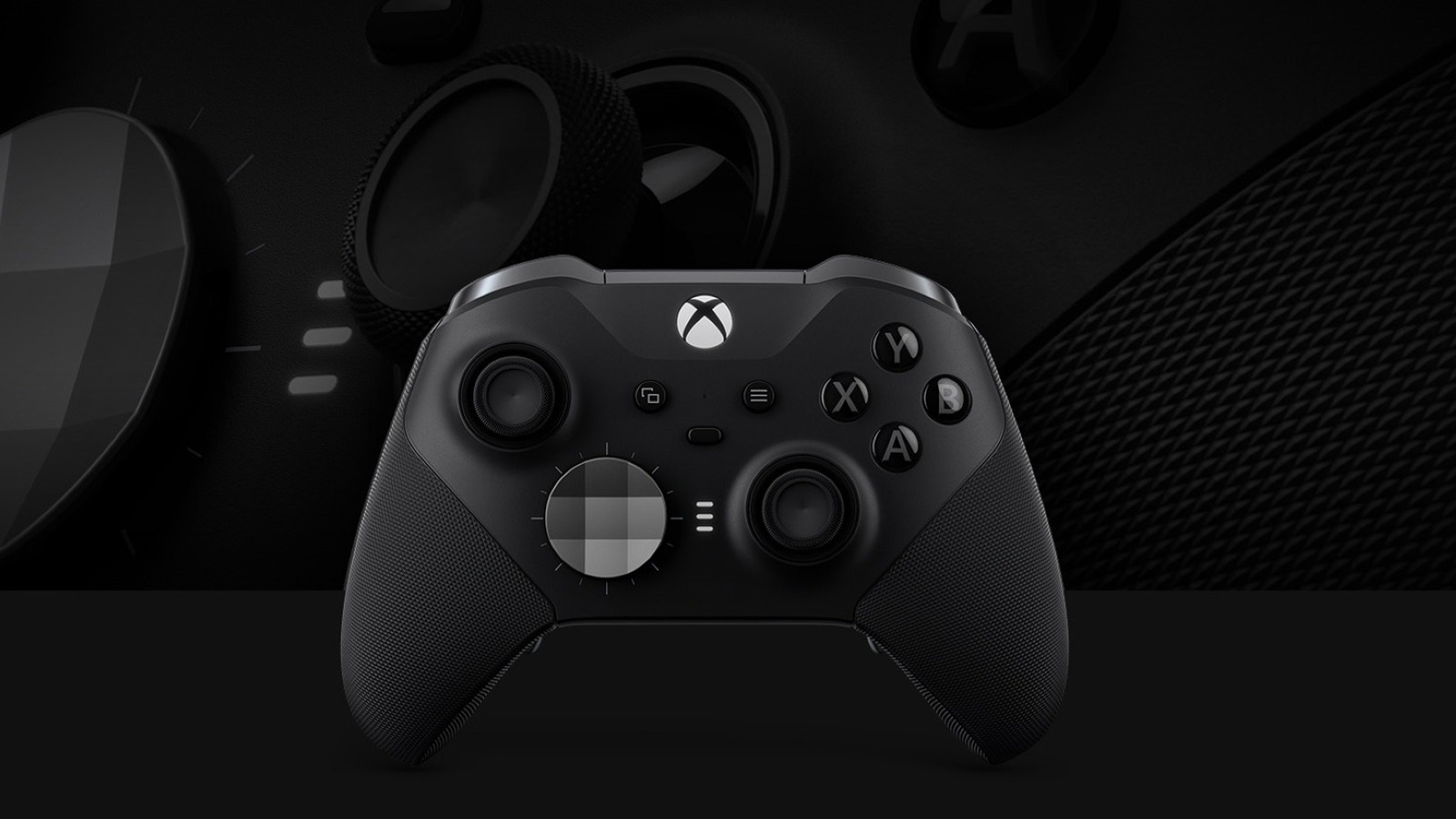
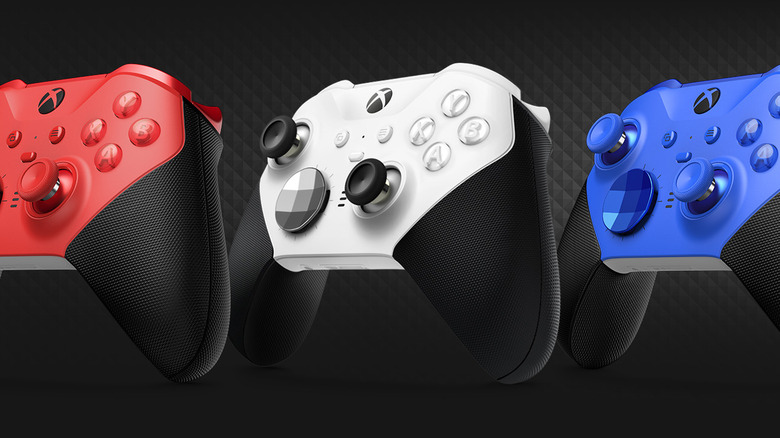
Gaming peripherals don't last forever, and controllers are no exception. With heavy use and frequent gaming sessions, Xbox controllers can be hit with all kinds of problems, like stick drift or connection issues. Replacing a broken controller isn't cheap — especially if you have the Elite Xbox Controller. Elite Series 2 controllers are designed with competitive gaming in mind, offering increased customization and performance in comparison to standard models. As a result, they're a little pricier than their counterparts, with core models starting at around $130. Replacing a damaged controller doesn't have to set you back by the whole cost of a new device, though, with Microsoft offering a postal repair service at a cost.
In any case where you're out of warranty and can't fix your Xbox controller's issues yourself, you can send it off to Microsoft to repair it for a fee of $79 in the United States, before taxes. This offer applies specifically to the Elite Wireless Controller 2. You'll also be provided a shipping label when you submit a service order request. Alternatively, if you aren't able to ship your controller off to Microsoft directly for any reason, you can opt to have it repaired in person by a Microsoft Authorized Service Provider. In the US, that's uBreakiFix by Asurion, who offer controller repairs on behalf of Microsoft.
If your Elite Controller is under warranty, you might be in luck. Microsoft's consumer warranty provides some coverage for Xbox controllers, subject to conditions. This applies to covered products purchased directly from Microsoft or an authorized retailer for up to 12 months. Per Microsoft's warranty for purchases made on or after June 5, 2025, you can claim for accidental damage from handling, breakdowns, and power surges.
How to send your Elite Xbox Controller to Microsoft for repairs
 Xbox
Xbox
You'll need to jump through a few hoops in order to take advantage of Microsoft's repair service to fix your faulty Elite Series 2 Xbox controller. Firstly, you need to register your device to your Microsoft account. You can check if you've already done this, or register your device, by logging in to your Microsoft account in your browser and navigating to the Devices page. This will show you any of your Xbox products that you've already registered, and their warranty status.
If you haven't already registered your controller, you need to:
-
Select Register Device.
-
Navigate to Help Find My Serial Number, then choose Xbox.
-
Select your region under the relevant menu.
-
Enter your controller's serial number. That's the 14-character code on the back of your Elite Series 2 Controller.
-
Review the privacy statement, then accept the terms.
Now that you've done that, you can continue using the Devices page to submit a service order request. Select the faulty Elite Controller Series 2 from the menu to start the service request, and follow the steps to fill in the form, providing details of your controller's faults. After that, you'll receive an order confirmation email, service order number, and shipping instructions with a label. You'll then need to print out the label and package your controller safely for shipping using secure packaging and ample padding. Before you send it off, make sure you haven't included any extra items such as accessories besides the controller, and make a note of your tracking number.
Alternatives to sending your Elite Xbox Controller to Microsoft for repairs
 Microsoft
Don't want to wait for your controller to be repaired by Microsoft? You have a couple of other options available to you that aren't just replacing your device altogether. First off, you can try taking it to a Microsoft Authorized Service Provider for repairs at eligible uBreakiFix locations. In some cases, they can offer same-day repairs, making it a quicker option than sending your controller away for repairs via the mail.
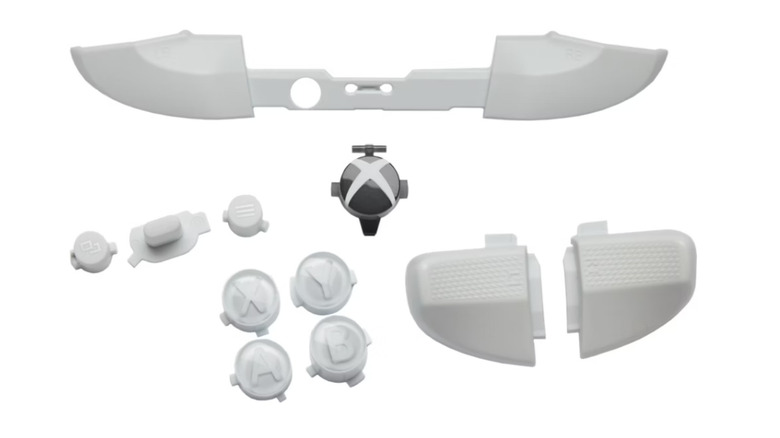
Another option is to take matters into your own hands and purchase Xbox repair parts directly from Microsoft. This isn't an easy option, but if you're handy and it seems like your controller just needs some TLC, then it could be a straightforward and more affordable option. The Elite Series 2 controller components that are available are the printed circuit board assembly (PCBA), motor assembly, input PCBA, replacement buttons, and top cases in either black or white. You'll also need to grab a couple of tools for assembling them, like tweezers, pry tools, and the relevant screwdriver bits, like a TR8 and T6 Torx, alongside the official Xbox Controller Safety & Repair Instructions Guide.
Depending on when you purchased your controller and the status of your warranty, you also might be able to request a new device altogether. If you bought your Xbox controller within the last 30 days and still have your receipt, you may be able to exchange it at the original retailer. Alternatively, if you bought it more than 30 days ago but within the 12-month warranty period, you can reach out to Microsoft directly to request a replacement. You can do this via the Devices section or their website, or via this webpage on Microsoft's website.