- AI Platforms & Assistants
- OpenAI
- ChatGPT
Put a pin in it
When you purchase through links on our site, we may earn an affiliate commission. Here’s how it works.
 (Image credit: Getty Images/ Cheng Xin)
Share
Share by:
(Image credit: Getty Images/ Cheng Xin)
Share
Share by:
- Copy link
- X
- Threads
OpenAI recently added pinned conversations to ChatGPT, but there’s still no way to pin individual responses — which is a problem if you use ChatGPT for anything more than quick questions. The most useful replies often get buried as the conversation continues, and finding them again later is harder than it should be.
ChatGPT has a habit of asking clarifying questions before finally delivering a genuinely insightful response. That’s great, until you keep chatting and that key reply disappears up the thread. Scrolling quickly becomes unmanageable, and the search tool isn’t reliable enough to save you.
Luckily, there’s a simple workaround. With a short text prompt, you can effectively “pin” any ChatGPT response, give it a label and timestamp, and come back to it later — or even download it as a PDF.
You may like-
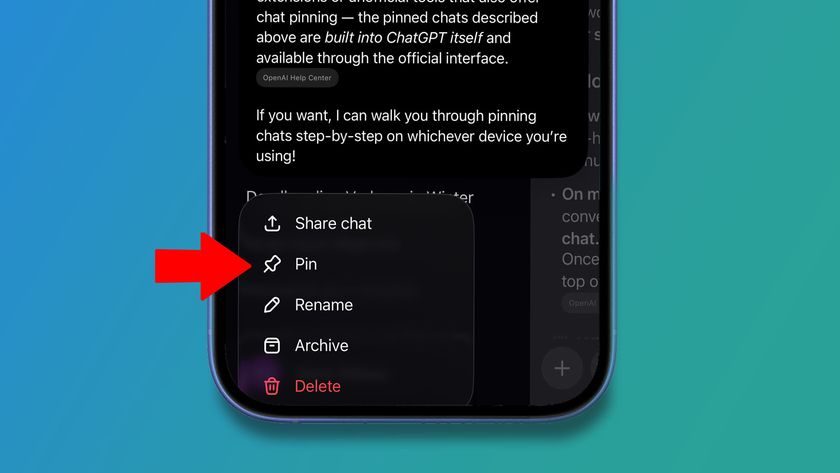 Pinned chats in ChatGPT are here – and so is a mildly annoying restriction
-
 10 easy tips to help you get better results from ChatGPT every time
-
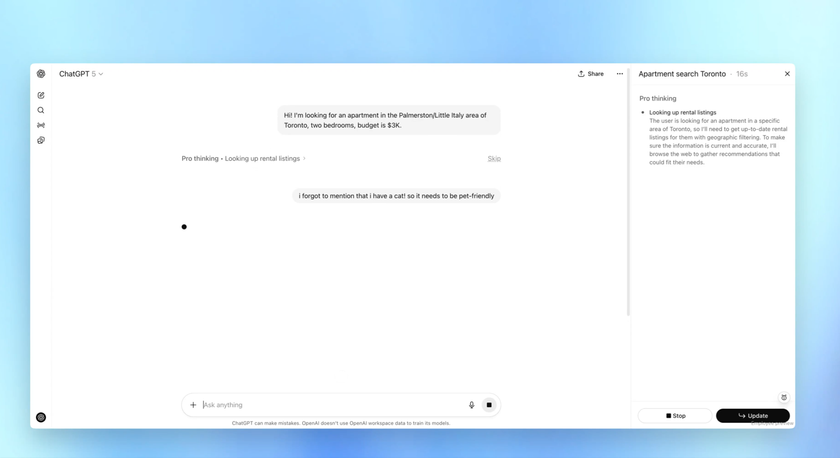 You can now interrupt ChatGPT as it learns to take feedback on the fly
How to pin individual ChatGPT responses
Here’s what I do.
Once ChatGPT has given you a response you think you’ll want to revisit, just type something like:
“Put a pin in that last response, give it the name ‘xxx' and add a time and date stamp.”
(Obviously, you can use whatever code word or label makes sense to you instead of “xxx”)
Get daily insight, inspiration and deals in your inboxContact me with news and offers from other Future brandsReceive email from us on behalf of our trusted partners or sponsorsBy submitting your information you agree to the Terms & Conditions and Privacy Policy and are aged 16 or over.ChatGPT might take a moment to process this, but it will do it. After that, you can ask at any time:
“Show me the pinned responses in this conversation.”
ChatGPT will then bring up a list of everything you’ve pinned. From there, you can revisit a specific response or even ask ChatGPT to download it as a PDF, which is handy if you want to store it somewhere safe for later. Sometimes I've found that it will give you a PDF download option automatically, but if it doesn't then just type in:"Download that pinned note as a PDF"
You may like-
10 easy tips to help you get better results from ChatGPT every time
-
You can now interrupt ChatGPT as it learns to take feedback on the fly
-
 How ChatGPT works: A guide to its interface on mobile and web
You’ve now got a neat little library of your best ChatGPT responses at your fingertips. It still seems strange to me that there’s no built-in way to pin individual replies, but until there is, this workaround has served me well, and hopefully it will work for you too.
It’s a small trick, but if you rely on ChatGPT for work, it can save you a lot of time and frustration.
Follow TechRadar on Google News and add us as a preferred source to get our expert news, reviews, and opinion in your feeds. Make sure to click the Follow button!
And of course you can also follow TechRadar on TikTok for news, reviews, unboxings in video form, and get regular updates from us on WhatsApp too.
 The best business laptops for all budgetsOur top picks, based on real-world testing and comparisons
➡️ Read our full guide to the best business laptops1. Best overall:Dell Precision 56902. Best on a budget:Acer Aspire 53. Best MacBook:Apple MacBook Pro 14-inch (M4)
TOPICS AI Graham BarlowSocial Links NavigationSenior Editor, AI
Graham is the Senior Editor for AI at TechRadar. With over 25 years of experience in both online and print journalism, Graham has worked for various market-leading tech brands including Computeractive, PC Pro, iMore, MacFormat, Mac|Life, Maximum PC, and more. He specializes in reporting on everything to do with AI and has appeared on BBC TV shows like BBC One Breakfast and on Radio 4 commenting on the latest trends in tech. Graham has an honors degree in Computer Science and spends his spare time podcasting and blogging.
Show More CommentsYou must confirm your public display name before commenting
Please logout and then login again, you will then be prompted to enter your display name.
Logout Read more 10 easy tips to help you get better results from ChatGPT every time
 You can now interrupt ChatGPT as it learns to take feedback on the fly
 How ChatGPT works: A guide to its interface on mobile and web
 ChatGPT memories are disappearing for some users – here’s what you can do to protect yours
 Want better answers from ChatGPT or Gemini? Here’s how to get them
 Prompt styles to get the most out of ChatGPT 5.2
Latest in ChatGPT
Prompt styles to get the most out of ChatGPT 5.2
Latest in ChatGPT
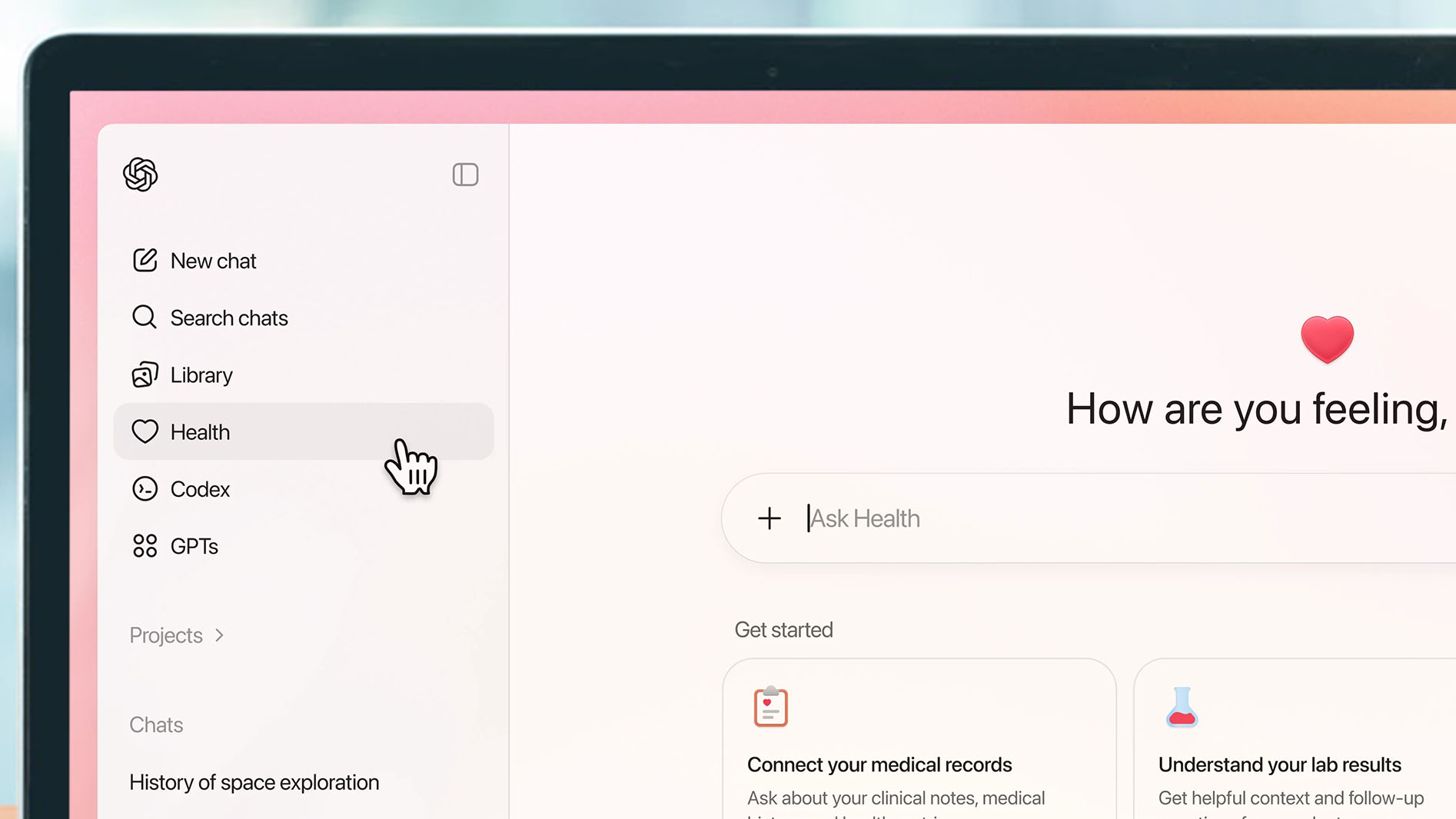 Why I won't use ChatGPT Health
ChatGPT Health gives you a new way to explore medical questions
Why I won't use ChatGPT Health
ChatGPT Health gives you a new way to explore medical questions
 OpenAI says 40 million people use ChatGPT for healthcare every day
 2026 could be the year we move beyond smartphones
 ChatGPT and Gemini imagine new holidays
 ChatGPT, Gemini, and Claude predict AI's future
Latest in How Tos
If your best ChatGPT replies keep getting lost, try this pin trick
ChatGPT, Gemini, and Claude predict AI's future
Latest in How Tos
If your best ChatGPT replies keep getting lost, try this pin trick
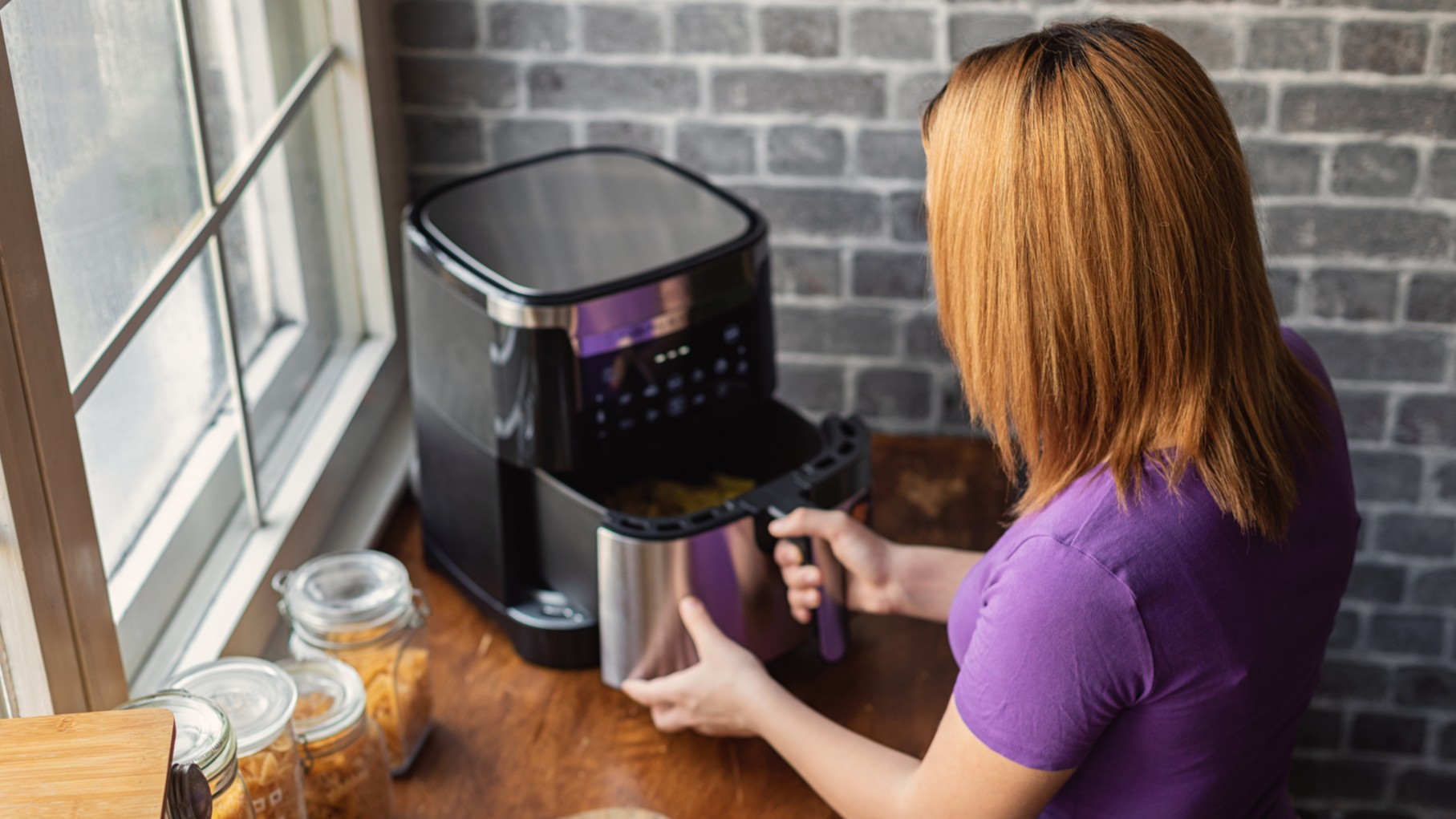 How to give your air fryer a deep clean, and keep it looking – and cooking – like new
 How to watch Gian van Veen vs Gary Anderson: live stream 2026 PDC World Darts Championship semifinal online for *FREE*
 How to watch NFL Week 17: free live streams, TV channels, schedule for Judgment Day
 Battle of the Sexes Free Streams: TV Channels, Start Time & Preview for Sabalenka vs Kyrgios
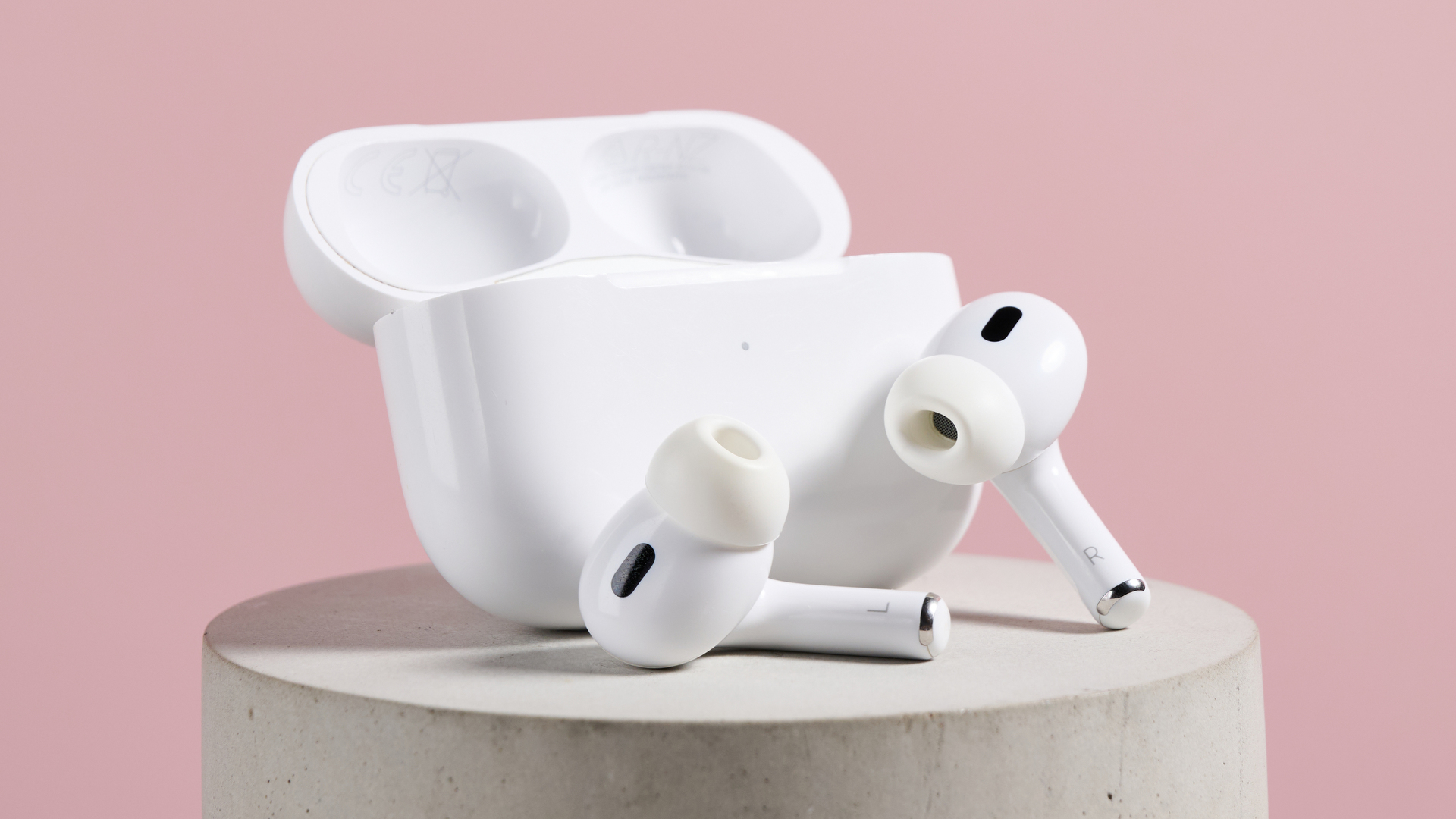 How to use AirPods as a video mic in iOS 26
LATEST ARTICLES
How to use AirPods as a video mic in iOS 26
LATEST ARTICLES- 1I used Meta’s Neural Band to control a car’s screen in a Garmin concept, and it kind of rocked, but not just for the gestures
- 2The Scuf Envision Pro V2 has some of the best buttons and triggers I’ve ever used, but it’s massively let down by convoluted software
- 3‘This is an unbelievable moment in the course of human history’: Sean Astin on how he’s fighting for humanity against an onslaught of AI actors
- 4The battle of the SuperPods: Nvidia challenges Huawei with Vera Rubin powered DGX cluster that can deliver 28.8 Exaflops with only 576 GPUs
- 5Acer launches 40th Ryzen AI Max+ 395 system as it pitches Veriton RA100 mini PC as an AI workstation — but unless it is keenly priced, it will struggle against better value competitors